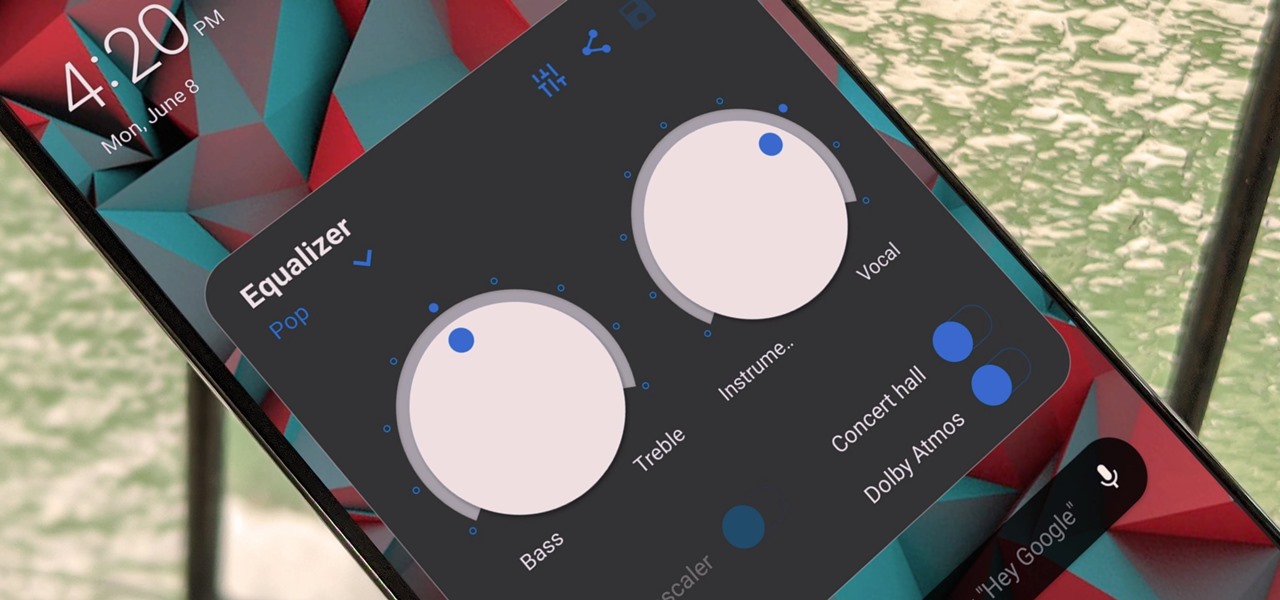
One of the coolest things about Android is the ability to tweak things to your liking. When it comes to Galaxy phones, Samsung is no stranger to adding extra customizations. Want to add an equalizer to your volume panel? Samsung has an app specifically for that — no joke. Open the Galaxy Store app from your app drawer and do a search for "SoundAssistant" or tap the link below from your phone. Once you've found the app, go ahead and install it onto your device. Galaxy Store Link: SoundAssistant (free) Side note, most SoundAssistant guides on the internet will have you install Good Lock first... more
http://dlvr.it/RYFNHx


Comments
Post a Comment