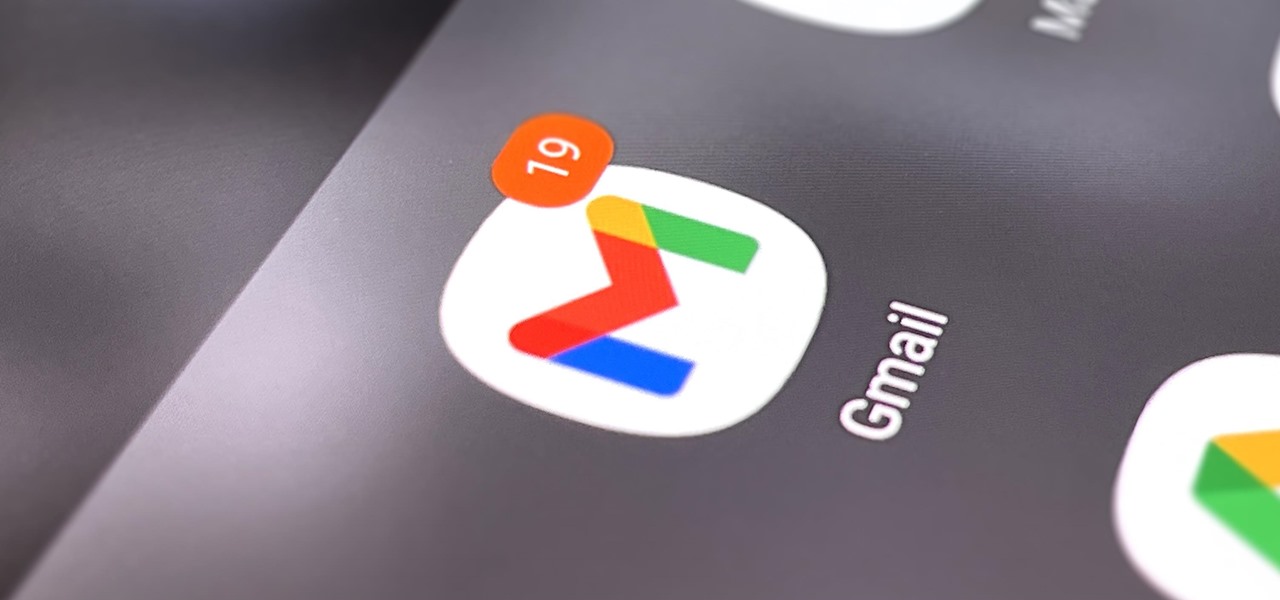
If you scan the notification panel on your Samsung Galaxy smartphone daily, all those red circles with numbers that litter the apps on your home screen and app drawer can feel like persistent nagging and unnecessary clutter rather than friendly reminders to check your app alerts — but you can do something about it.
To rid yourself of those anxiety-inducing constant reminders that you're failing to give your apps the attention they crave, you can simply hide all notification counts or disable the red dots entirely.
Since Android 8 (Oreo) with Samsung Experience, we've been able to change how... more
http://dlvr.it/SW7kVY


Comments
Post a Comment