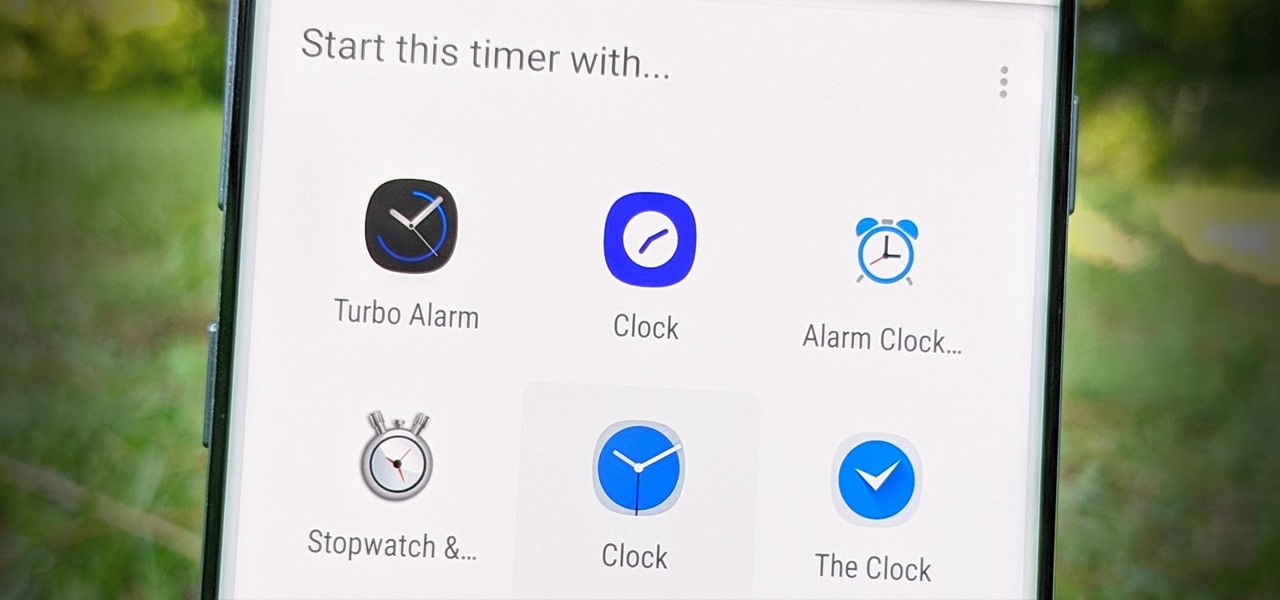
If you don't use the stock clock app, you've probably run into an issue when using Google Assistant on Android. By default, it'll only use the clock app that came with your device to set timers and alarms, effectively ignoring your third-party clock. But there's a way to fix this. Open the Google app, tap the microphone icon, then simply say "set a timer." Tap the clock icon or the three-dot menu on the right, then a list of clock apps from the expanded menu will appear. Tap the clock app you want to use by default for your timers, set the "Duration" for one minute, then hit "Done." Now... more
http://dlvr.it/RbrgNK


Comments
Post a Comment