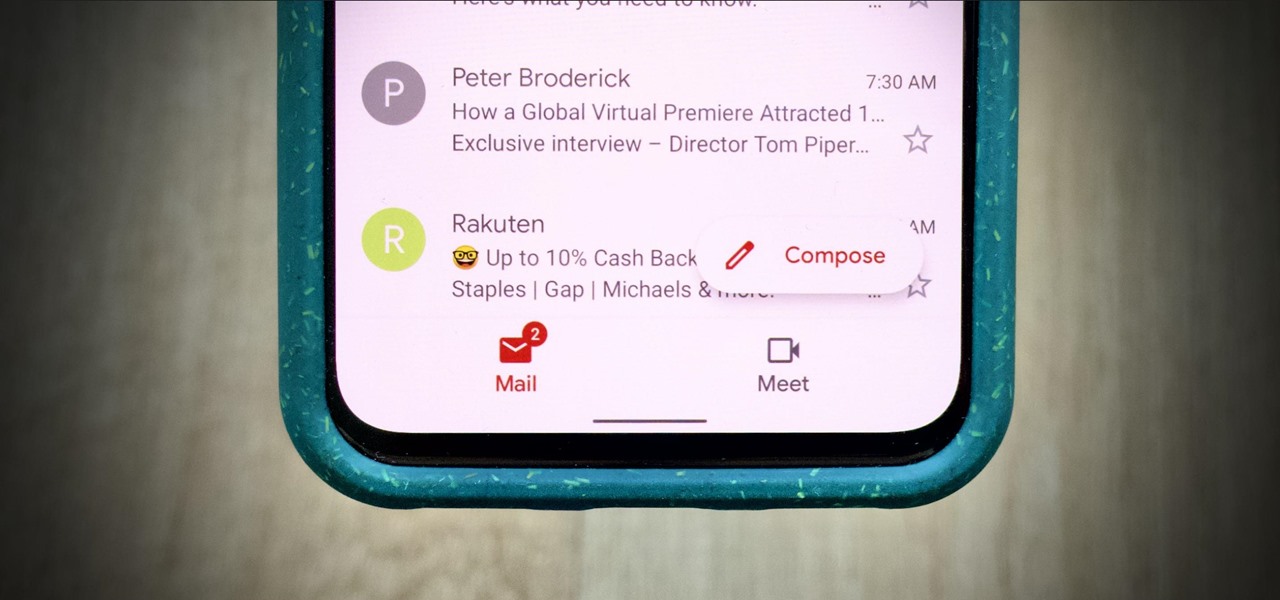
The new Google Meet integration in the Gmail app isn't quite subtle, to say the least. The feature takes up a huge chunk of the display, screen real estate that would otherwise be occupied by, you know, emails. While Google doesn't require you to live with the integration, it doesn't make it clear how to disable it. That's where we come in. It's not difficult to return your Gmail's home page to its former full-screen glory. The issue is solely that Google buries the setting. To find it, tap the hamburger menu in the top left, then tap "Settings." From here, tap an email account you'd like to... more
http://dlvr.it/RdN8sk


Comments
Post a Comment